
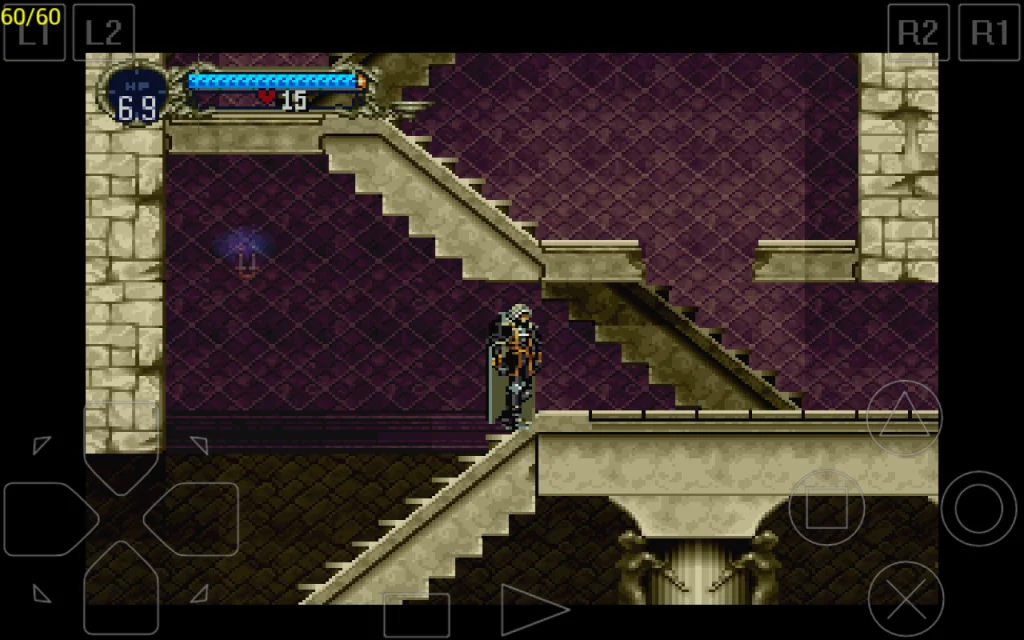

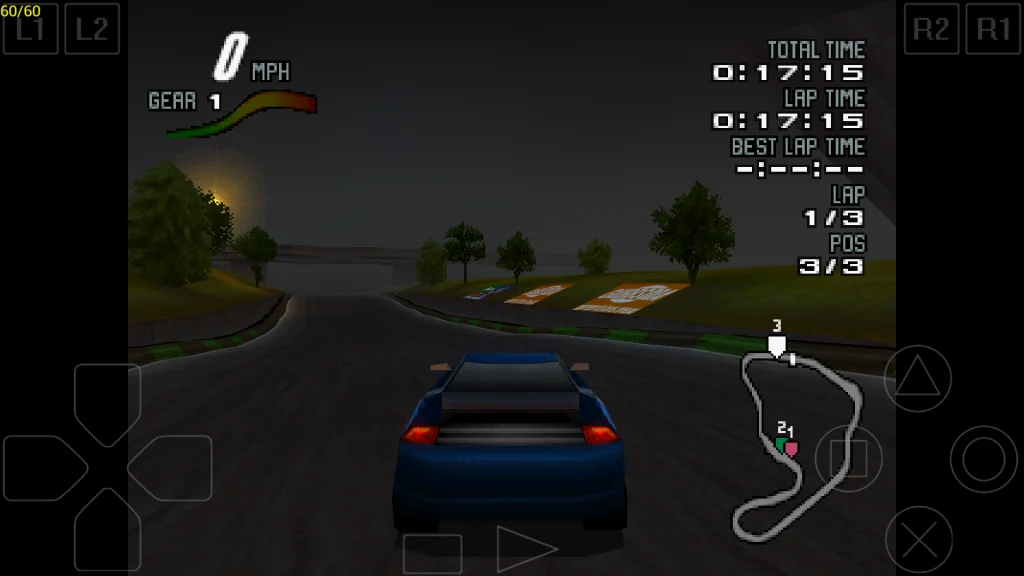
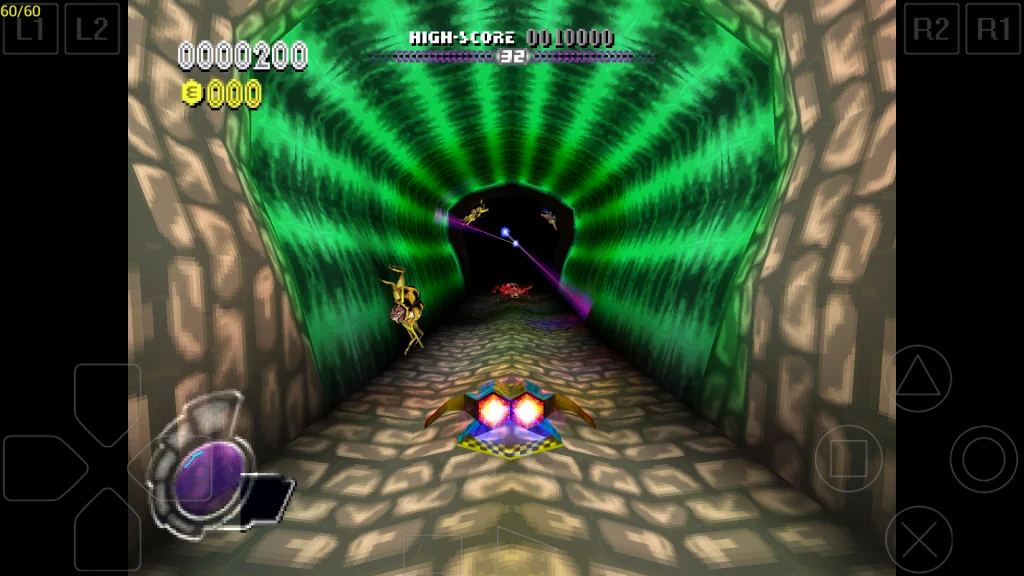
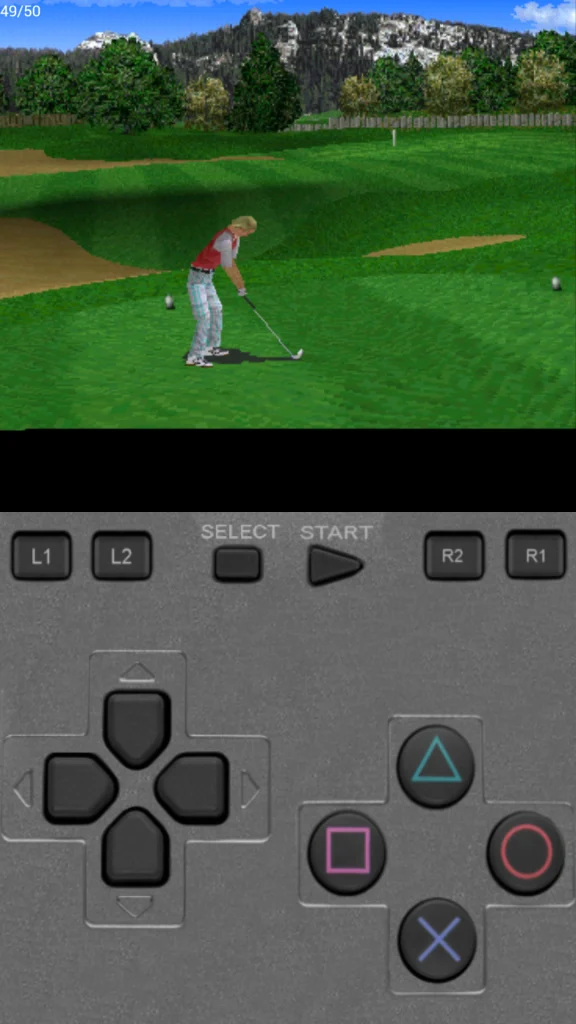
ePSXe APK is an emulator app designed to run classic Sony PlayStation games on Android smartphones and tablets. It allows users to play PS1 titles without needing the original console by recreating the PlayStation environment through software.
The app was created by the ePSXe development team, who are known for their PlayStation emulator for PC platforms. The Android version brings the same idea to mobile devices, allowing retro gaming fans to enjoy older PlayStation titles anywhere.
Many people search for ePSXe for Android because they want to replay childhood games, experience classic PS1 titles again or use their smartphone as a portable gaming device. Instead of keeping an old PlayStation console and physical discs, users can run compatible game files through the emulator.
The app supports many popular PlayStation games including action titles, racing games, RPGs and adventure games. It focuses on accuracy, performance and customization options rather than modern gaming features.
How Does It Work?
An emulator works by copying the functions of an original gaming console through software. ePSXe for Android does not contain PlayStation games itself. Users need their own legally obtained game files, usually known as ROMs or ISO files, to play games.
The basic process works like this:
- Install the emulator app on an Android device.
- Configure the required settings such as graphics, sound and controls.
- Add compatible PlayStation game files to the device.
- Open the game through the emulator.
- Adjust performance settings if needed for smoother gameplay.
The app uses your phone’s hardware to simulate the PlayStation system. A powerful smartphone can usually provide better graphics quality, faster loading and smoother gameplay compared to older devices.
Users can also connect external controllers through Bluetooth or USB. This makes the experience closer to playing on an original console, especially for games that require precise controls.
The emulator also includes features like save states, which allow players to save progress at almost any point instead of relying only on traditional in-game saves.
Main Features of ePSXe APK
ePSXe for Android includes several features that make it popular among retro gaming enthusiasts.
- PlayStation 1 Game Support
The emulator supports a large number of PSX and PSOne games. Users can enjoy classic titles from the original PlayStation era on mobile devices. - High Compatibility Rate
Many popular PlayStation games work well with the emulator. Compatibility may depend on the game version and device performance. - Save State Support
Players can save their progress instantly and return to the same point later. This is useful for difficult games or long RPG sessions. - Customizable Controls
The app provides virtual touchscreen controls and supports external controllers for a better gaming experience. - Enhanced Graphics Options
Users can adjust resolution, rendering settings and visual improvements to make older games look better on modern screens. - Split-Screen Support
Some multiplayer games can be played using supported features and controller setups. - BIOS Support
The emulator can work with PlayStation BIOS files, which help recreate the original console environment. - Memory Card Emulation
It supports virtual memory cards to save game progress just like the original PlayStation system. - Fast Performance
The app is optimized to run many PS1 games smoothly on Android devices with suitable hardware.
User Experience Review
The overall experience of ePSXe for Android depends heavily on the user’s device and setup knowledge. For people familiar with emulators, the app offers many useful options and customization choices.
A lot of users mention that the app performs well with many classic PlayStation games and appreciate the ability to carry their favorite titles on a smartphone. The save state feature is often considered one of the most helpful additions because it removes the frustration of losing progress.
One thing people really like is the level of control available. Users can adjust graphics settings, controller layouts and performance options based on their preferences.
Some concerns users have include the initial setup process. Beginners may find emulator configuration confusing, especially when dealing with BIOS files, game formats and controller settings.
The touchscreen controls can also feel less comfortable for certain games, especially fighting games, racing games or action titles that require quick reactions. Using a physical controller can improve the experience significantly.
Reviews suggest that the app is best suited for users who enjoy classic gaming and don’t mind spending some time adjusting settings for the best results. You can also download Skyline Emulator Apk.
Benefits of ePSXe for Android
- Play classic PlayStation games anywhere
Users can enjoy PS1 games without carrying an original console. - Saves money on old hardware
A compatible Android phone can replace the need for finding and maintaining older gaming systems. - Better convenience
Players can access their game collection from a portable device. - Improved visuals
Graphics settings can enhance older games on modern smartphone displays. - Flexible controls
Support for external controllers gives users more ways to play. - Save anytime features
Save states make difficult games easier to manage. - Large game library support
Thousands of PlayStation titles are available from the original console generation. - Portable retro gaming experience
It turns Android devices into handheld classic gaming machines.
Limitations and Drawbacks
While ePSXe for Android is a capable emulator, it is not perfect for every user.
One limitation is that the app does not provide games. Users must legally obtain their own PlayStation game files. Finding and managing compatible files can be confusing for beginners.
Another drawback is that performance can vary between devices. Older smartphones may experience slowdowns, audio issues or graphical problems with certain games.
The setup process may also feel complicated compared to modern gaming apps. Users who expect a simple install-and-play experience may need time to understand emulator settings.
Touch controls are another common concern. Although they work, they may not provide the same feeling as a real PlayStation controller.
Some newer Android versions or devices may also require additional configuration to achieve the best performance.
Who Should Use ePSXe for Android?
Beginners
Beginners who want to explore retro gaming can use the app, but they should be ready to learn basic emulator setup. It may take some time to understand BIOS files, game formats and settings.
Retro Gaming Fans
This is the main audience for the app. Players who grew up with PlayStation games can revisit classic titles without needing old hardware.
Mobile Gamers
Users who want more than modern mobile games may enjoy having access to a large collection of classic console games.
Experienced Emulator Users
People familiar with emulation will likely appreciate the customization options and performance adjustments available.
Not Ideal For
Users looking for modern games, online multiplayer features or a simple gaming app without configuration may prefer other options.
Things To Know Before Using It
Before installing ePSXe App, users should consider a few important factors.
Pricing:
The app is generally available as a paid application. Users should check the official store listing for current pricing because costs can change.
Compatibility:
The app works best on Android devices with decent processing power. Older phones may struggle with demanding games.
Setup Requirements:
Users may need PlayStation BIOS files and legally owned game backups. Understanding file management on Android can make setup easier.
Privacy Considerations:
Like any app, users should install it from trusted sources and review requested permissions before installation.
Storage Space:
PlayStation game files can take significant storage space, especially when keeping multiple titles.
Controller Support:
A Bluetooth or USB controller can greatly improve gameplay comfort compared to touchscreen controls.
Final Words
After exploring its features, ePSXe for Android remains a popular choice for users who want to experience classic PlayStation games on mobile devices. It offers strong compatibility, useful customization options and features that improve the original gaming experience.
The best part for most users is the freedom to play PS1 classics anywhere with features like save states and controller support. On the downside, beginners may need patience during setup and some games may require additional adjustments.


